

Transform Your Space with RGB Lighting for Gaming Room
Are you ready to elevate your gaming experience? RGB lighting for gaming room setups isn’t just about aesthetics; it’s about creating an immersive atmosphere that enhances gameplay. Many gamers underestimate the impact of lighting on their overall experience, but the right RGB setup can turn a simple room into a vibrant gaming haven. Let’s explore how you can achieve this.
What is RGB Lighting?
RGB lighting stands for Red, Green, and Blue lighting. It’s a color model that combines these three colors to produce a broad spectrum of colors. In the context of gaming rooms, RGB lighting can be used in various forms—strips, bulbs, panels, and even in gaming peripherals. This flexibility allows you to customize your space and create an atmosphere that matches your gaming style.
One of the key advantages of RGB lighting is its ability to synchronize with your gaming setup. For instance, many RGB products can be programmed to change colors based on in-game events. This synchronization enhances immersion, making your gaming experience more engaging. You might find yourself feeling like you’re part of the game, rather than just an observer.
Why Choose RGB Lighting for Your Gaming Room?
Choosing RGB lighting for your gaming room comes with a slew of benefits. First and foremost, it allows you to express your personality. Whether you prefer soft, calming colors or vibrant, energetic hues, RGB lights can cater to your tastes. By matching the colors to your favorite games or moods, you can create a unique environment that reflects your gaming style.
Moreover, RGB lighting can significantly enhance the gaming experience. It can help reduce eye strain during long gaming sessions by providing ambient lighting. Instead of harsh overhead lights or complete darkness, RGB lights offer a balanced illumination that is easier on the eyes. This is especially beneficial for late-night gaming marathons when you want to maintain focus without discomfort.
Types of RGB Lighting Options
When it comes to RGB lighting options, you have a plethora of choices. Here are the most popular types that can transform your gaming room:
- RGB LED Strips: These flexible strips can be placed under desks, around monitors, or along walls to create an ambient glow. They’re often customizable and can be programmed to change colors.
- RGB Light Bulbs: Replace your standard light bulbs with RGB bulbs for a simple yet effective upgrade. These bulbs can often be controlled via smartphone apps, allowing you to change colors and brightness with ease.
- RGB Panels: Wall-mounted panels can create stunning visual displays. Brands like Nanoleaf offer panels that can be arranged in various shapes and can sync with your gaming content.
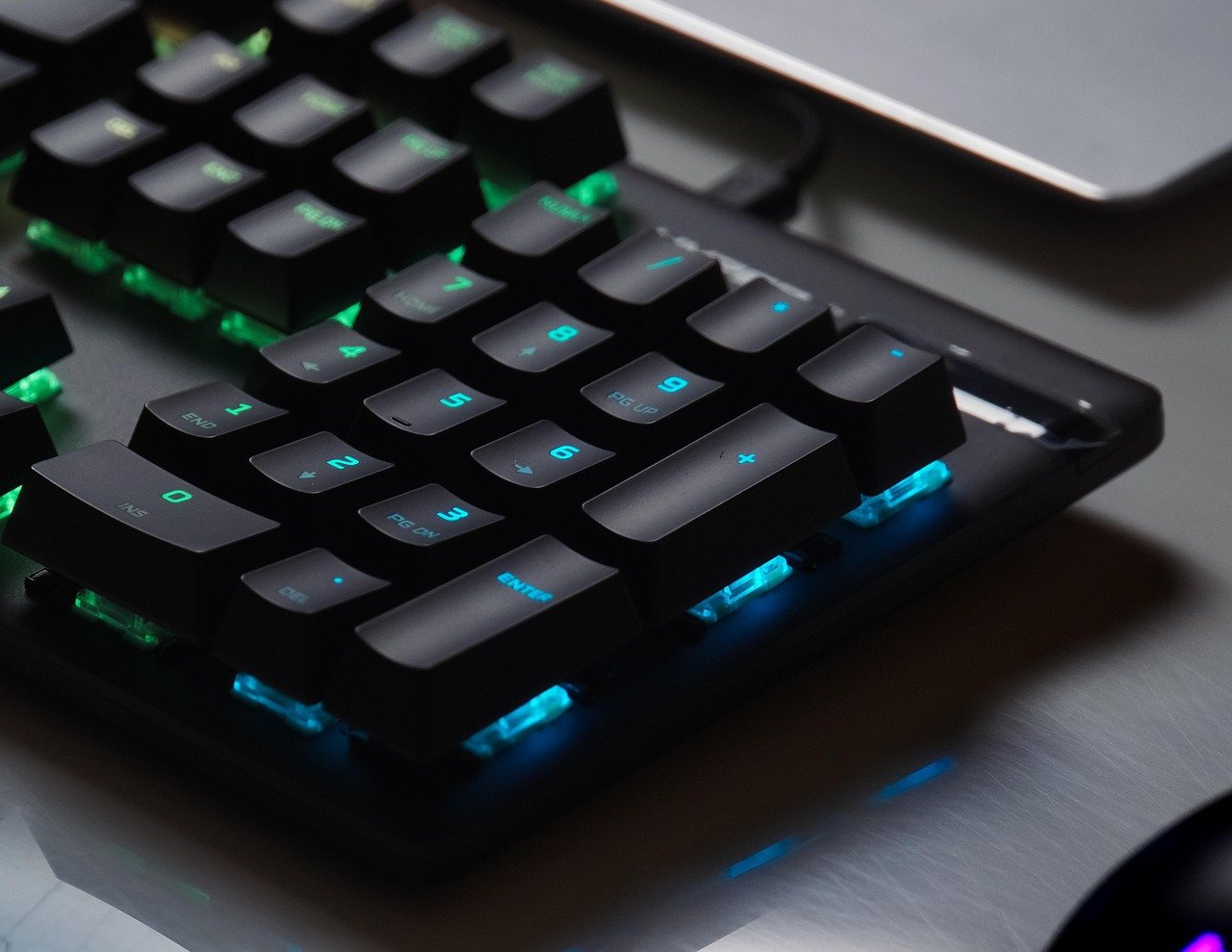
- RGB Peripherals: Keyboards, mice, and headsets with RGB lighting can complement your overall setup. They not only look great but can also enhance your gaming performance.
Each type of RGB lighting has its own unique features and benefits, making it essential to choose the right combination for your gaming room setup.
How to Install RGB Lighting in Your Gaming Room
Installing RGB lighting doesn’t have to be a daunting task. Here’s a step-by-step guide to help you set up your gaming room: Top Gaming Room Accessories for Ultimate Setup
- Plan Your Layout: Before diving in, sketch out a plan of where you want to place your RGB lights. Consider areas that need illumination, such as behind your monitor, under your desk, and on shelves.
- Choose Your Products: Based on your layout, choose the types of RGB lighting that fit your needs. Ensure compatibility with your existing setup.
- Install the Lights: Follow the manufacturer’s instructions for installation. For LED strips, clean the surface where you’ll apply them, peel off the adhesive backing, and stick them in place.
- Connect to Power: Ensure all lighting is connected to a power source. This may involve plugging into outlets or connecting to USB ports.
- Download Control Software: Many RGB products have accompanying software that allows you to customize colors and effects. Download the necessary applications and follow the setup instructions.
- Test and Enjoy: Once everything is connected, test different lighting effects and colors. Adjust settings as needed to create your perfect ambiance.
This installation process is straightforward, but don’t hesitate to consult product manuals for specific details.
Creating a Color Palette for Your Gaming Room
Your gaming room’s color palette can drastically affect the mood and atmosphere. Here’s how to create a cohesive color scheme with your RGB lighting:
Start by selecting a primary color that resonates with you. This could be a color from your favorite game or something that simply makes you feel energized. Once you have your primary color, choose complementary colors to create depth. For instance, if your primary is blue, consider adding shades of purple and green for a dynamic look.
Don’t forget about the effects! Many RGB lights offer dynamic modes that transition through colors. Using a color cycle effect can keep the atmosphere lively during gameplay. However, you can also select static colors for calmer, more focused sessions. Adjust your palette based on the type of game you’re playing; fast-paced shooters might benefit from vibrant colors, while strategy games may work better with softer hues.
Smart RGB Lighting Solutions
The rise of smart technology has revolutionized the way we interact with lighting. Smart RGB lighting solutions can be controlled via your smartphone, voice commands, or even through gaming software. Products like Philips Hue and LIFX offer extensive customization options, allowing you to adjust brightness, color, and even set schedules for when the lights turn on or off.
One of the coolest features of smart RGB lighting is the ability to sync the lights with your games or movies. For example, if you’re playing a horror game, the lights can flash red during jump scares or shift to cooler tones during calm moments. This interaction can truly transform your gaming sessions, making them more immersive and enjoyable.
Budget-Friendly RGB Lighting Options
You don’t need to break the bank to enjoy RGB lighting in your gaming room. There are plenty of budget-friendly options available without sacrificing quality. Here are some tips on how to achieve great lighting on a budget: What You Need to Know About Ninja's Gaming Room Cost
- Look for Sales: Many retailers offer sales on lighting products, especially during holiday seasons. Keep an eye out for discounts.
- DIY Projects: Get creative! You can make your own RGB lighting solutions using individual LED strips and controllers.
- Start Small: Begin with a few key areas, like behind your monitor or under your desk, and expand over time as your budget allows.
- Use Smart Plugs: If you have regular light sources, consider using smart plugs to control them with your phone. This can give you some customizable options without the cost of full RGB products.
By being strategic with your purchases and exploring DIY options, you can create a stunning RGB lighting setup that fits your budget.

Maintaining Your RGB Lighting Setup
Once you’ve set up your RGB lighting, it’s important to maintain it to ensure longevity and performance. Regularly check connections to ensure everything is secure and functioning correctly. Dust can accumulate on LED strips and fixtures, so a gentle wipe with a microfiber cloth can keep them looking fresh.
If you’re using smart RGB lighting, make sure to update the software and firmware as new versions are released. This not only improves performance but may also introduce new features that enhance your setup. Regular maintenance will help you enjoy your RGB lighting for years to come, keeping your gaming room vibrant and inviting.
FAQs
1. What is the best RGB lighting for a gaming room?
The best RGB lighting varies based on personal preference, but popular options include LED strips, smart bulbs, and RGB panels. Consider your space and budget when choosing.
2. Can RGB lighting affect gaming performance?
While RGB lighting itself doesn’t directly affect gaming performance, it can enhance your experience by providing better ambiance and reducing eye strain.
3. How much does RGB lighting for gaming room cost?
The cost of RGB lighting can range from $20 for basic strips to over $100 for advanced smart lighting solutions. It depends on the type and quantity you choose.
4. Is RGB lighting easy to install?
Yes! Most RGB lighting solutions come with simple installation instructions, and many require no tools or technical skills.
5. Can I sync RGB lighting with my games?
Yes! Many RGB products offer synchronization features that allow the lights to change colors based on in-game events, enhancing immersion.