

Introduction
Choosing the right gaming mouse pad can significantly affect your gaming experience. A quality mouse pad not only enhances your precision but also improves your comfort during long gaming sessions. So, what makes a gaming mouse pad the best gaming mouse pad for you? Let’s dive in!
Understanding Gaming Mouse Pads
Gaming mouse pads come in various sizes, materials, and designs, each catering to different gaming styles and preferences. At their core, they serve a simple yet crucial purpose: to provide a surface that allows your mouse to track movements accurately. The best gaming mouse pad balances speed and control, ensuring that gamers have the responsiveness they need during intense gameplay.
When selecting a mouse pad, consider whether you prefer a hard surface for speed or a soft surface for control. Hard pads often offer less friction, allowing your mouse to glide smoothly, while soft pads provide better grip for precision movements. Additionally, think about the size. A larger mouse pad can be beneficial for low-sensitivity settings, allowing for broader movements without needing to reposition the pad.
Material Matters: Types of Mouse Pads
The materials used in gaming mouse pads can significantly impact performance and comfort. Most mouse pads are made from cloth or plastic, but there are also hybrid options available. Cloth pads typically offer a softer touch, providing a comfortable resting place for your wrist during extended use. They also tend to provide better traction, which can enhance accuracy.
On the other hand, plastic pads are designed for speed. They tend to have a smoother surface that allows for swift movements and easy gliding of the mouse. However, some gamers might find them less comfortable over long periods. This is where hybrid pads come into play, combining the best of both worlds. They offer a textured surface that enhances control while still allowing for fast movements.
Size and Shape: Finding Your Fit
When it comes to the best gaming mouse pad, size and shape are crucial. Mouse pads come in a variety of sizes, from small to extended, which can cover your entire desk. The right size not only accommodates your mouse movements but also fits your gaming setup. If you have a low DPI setting (dots per inch), you might prefer a larger surface area to avoid running out of space mid-game.
Shapes can vary as well. While rectangular pads are the most common, some gamers prefer a more unique shape that suits their style or desk setup. Extended mouse pads can serve dual purposes, functioning as a desk mat while providing ample space for your keyboard and mouse. Make sure to choose a shape that aligns with your gaming style and comfort preferences.
Top Features to Look For
When shopping for the best gaming mouse pad, consider these essential features: Hogwarts Legacy Crashing on Startup? Here’s How to Fix It!
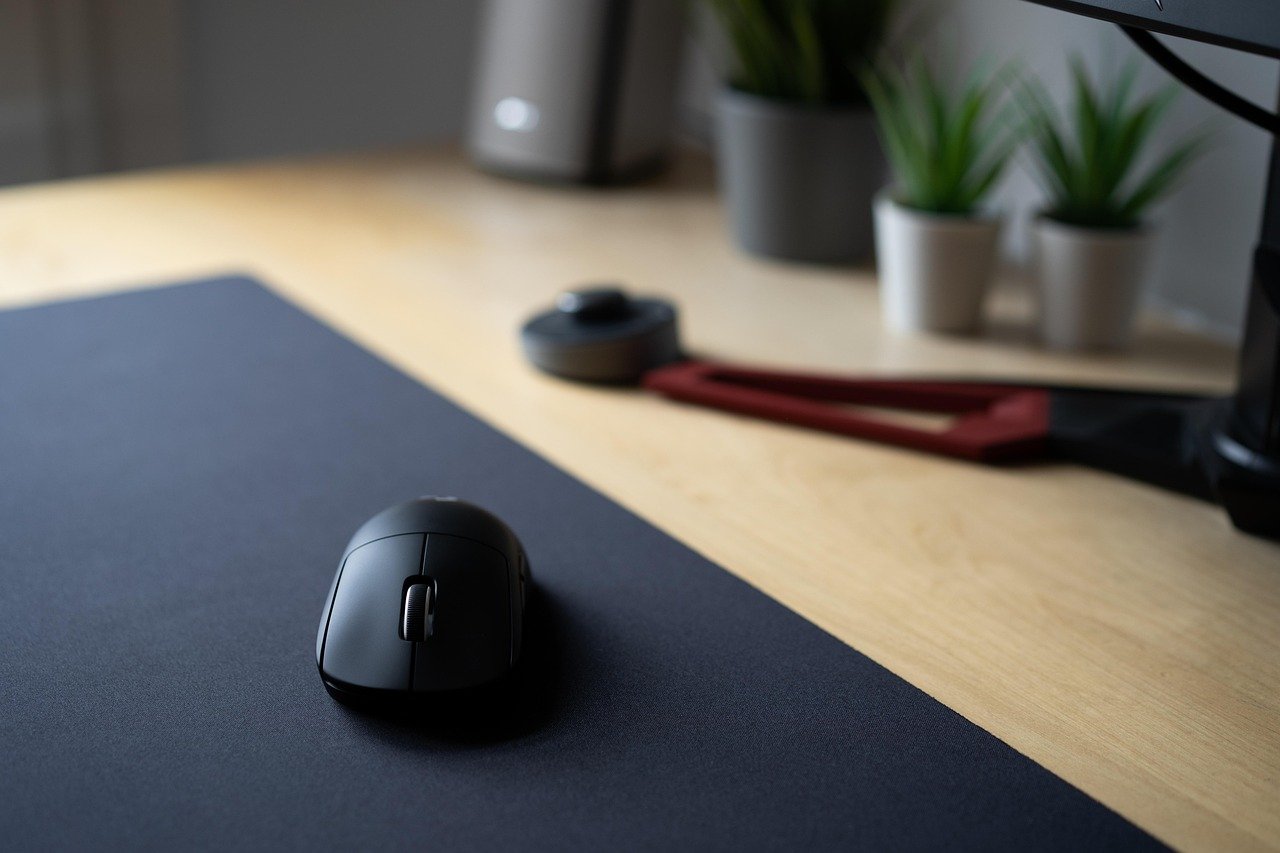
- Anti-Slip Base: A mouse pad with a rubberized base prevents it from sliding around during gameplay.
- Stitched Edges: This feature helps prevent fraying and adds durability, especially during intense gaming sessions.
- Compatibility: Ensure the mouse pad is compatible with your mouse type, whether it’s optical or laser.
- Easy Maintenance: Look for materials that are easy to clean, as spills and dust can accumulate over time.
These features can make a significant difference in your overall gaming experience, ensuring that your mouse pad meets your needs effectively.
Popular Brands and Models
Several brands have made a name for themselves in the gaming community, producing some of the best gaming mouse pads available. Here are a few popular options to consider:
- Razer Firefly V2: Known for its RGB lighting, this mouse pad offers a hard surface for speed and is perfect for gamers who enjoy aesthetics alongside performance.
- SteelSeries QcK: This cloth mouse pad is favored for its excellent control and comfortable surface, making it a staple for many gamers.
- Logitech G640: With its large size and consistent surface texture, it provides an ideal balance between speed and control.
Each of these models has unique features that cater to different types of gamers, whether you’re into competitive play or casual gaming. Factors like size, material, and additional features like RGB lighting can influence your decision.
Price Range: What to Expect
When it comes to pricing, gaming mouse pads can range from budget-friendly options to high-end models. Typically, you can find decent mouse pads for as low as $10 to $20, which might suit casual gamers just fine. However, if you’re serious about your gaming, investing in a higher-end mouse pad can yield better performance and durability.
High-quality mouse pads usually fall within the $30 to $60 range, offering advanced features like enhanced tracking surfaces, customizable RGB lighting, and larger sizes. While it’s tempting to go for the cheaper options, remember that a better mouse pad can greatly enhance your gaming experience, making it worth the investment.
Customizations and Aesthetics
Many gamers today are looking for something that stands out on their desks. This is where customization comes into play. Some brands offer mouse pads that allow for personalized designs, enabling you to showcase your unique style. Whether you prefer vibrant colors, graphics, or even custom logos, there are options available to match your gaming setup.
Aesthetics can also be enhanced with RGB lighting. Many modern gaming mouse pads come equipped with LED lights that can sync with your other RGB peripherals. This not only adds a visually appealing element to your setup but can also create an immersive gaming atmosphere. Incredible Boys Gaming Room Ideas for Ultimate Fun
Care and Maintenance Tips
To ensure your mouse pad lasts as long as possible, proper care and maintenance are essential. Here are some tips to keep in mind:
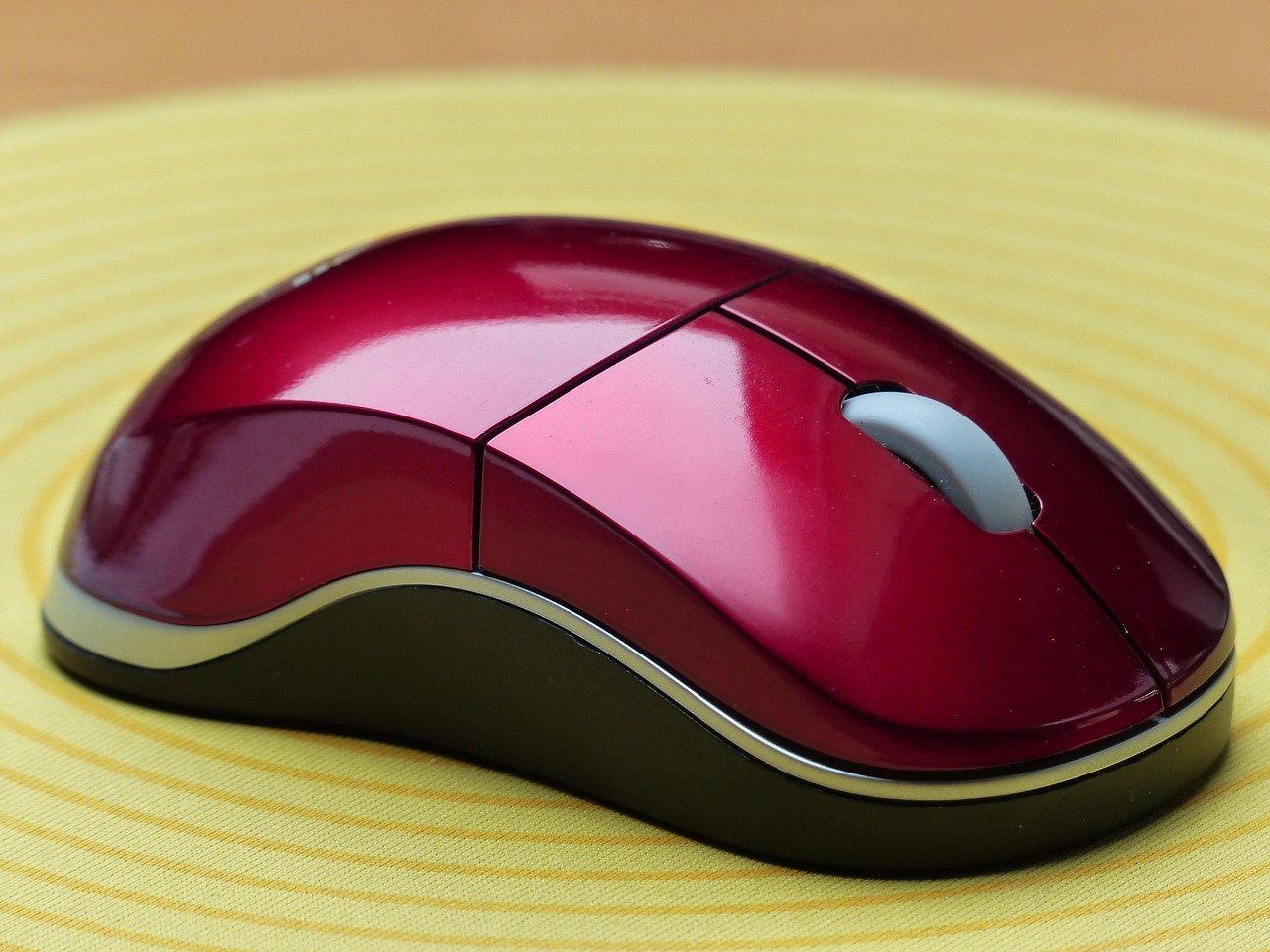
- Regular Cleaning: Wipe down your mouse pad regularly with a damp cloth to remove dust and debris.
- Deep Cleaning: For cloth mouse pads, consider hand washing or using mild detergent. Avoid machine washing unless specified by the manufacturer.
- Dry Properly: Let your mouse pad air dry completely before using it again to prevent any moisture from affecting its performance.
Taking care of your mouse pad not only maintains its performance but can also prolong its lifespan, ensuring you get your money’s worth.
Conclusion
Choosing the best gaming mouse pad ultimately comes down to your personal preferences and gaming style. Whether you prioritize speed, control, or aesthetics, there’s a perfect mouse pad out there for you. By understanding the different types available, considering essential features, and exploring popular brands, you’re well on your way to finding the ideal addition to your gaming setup. Happy gaming!
FAQs
1. What’s the difference between a hard and soft mouse pad?
A hard mouse pad offers a slick surface for faster movements, while a soft mouse pad provides better grip and comfort for precision control.
2. Do I really need a large mouse pad?
If you use low DPI settings, a larger mouse pad is beneficial as it allows for broader movements without having to reposition it constantly.
3. Can I wash my mouse pad?
Yes, most cloth mouse pads can be washed by hand or in a washing machine, but always check the manufacturer’s instructions first.
4. Are RGB mouse pads worth it?
If you enjoy aesthetics and have other RGB peripherals, they can enhance the overall look of your gaming setup, making it more immersive.
5. How often should I replace my mouse pad?
It’s a good idea to replace your mouse pad every 1-2 years, depending on wear and tear. If you notice any fraying or significant dirt buildup, it’s time for a new one.